
Download Retro Arch – emulator, retro games, classic games, game console, gaming, arcade, handheld, handheld console, PC Engine, Neo Geo Pocket Color, Virtual Boy, WonderSwan Color, GameBoy, GameBoy Color, GameBoy Advance, Sega Genesis, Sega Master System, Sega CD, PC Engine CD, PlayStation 1, Super Nintendo, Nintendo Entertainment System, arcade games, Doom, Ultimate Doom, Final Doom, Doom 1, Doom 2
Overview
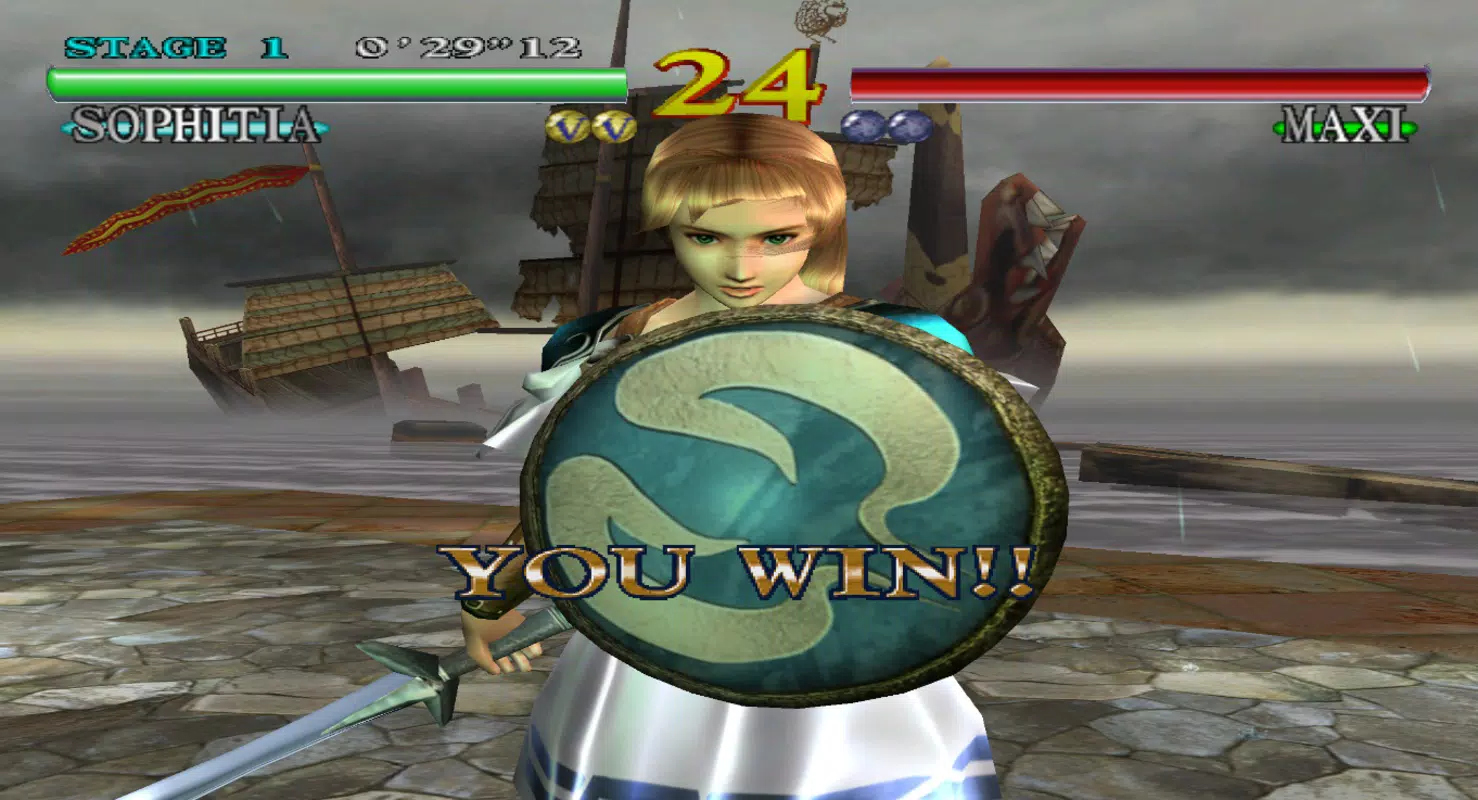
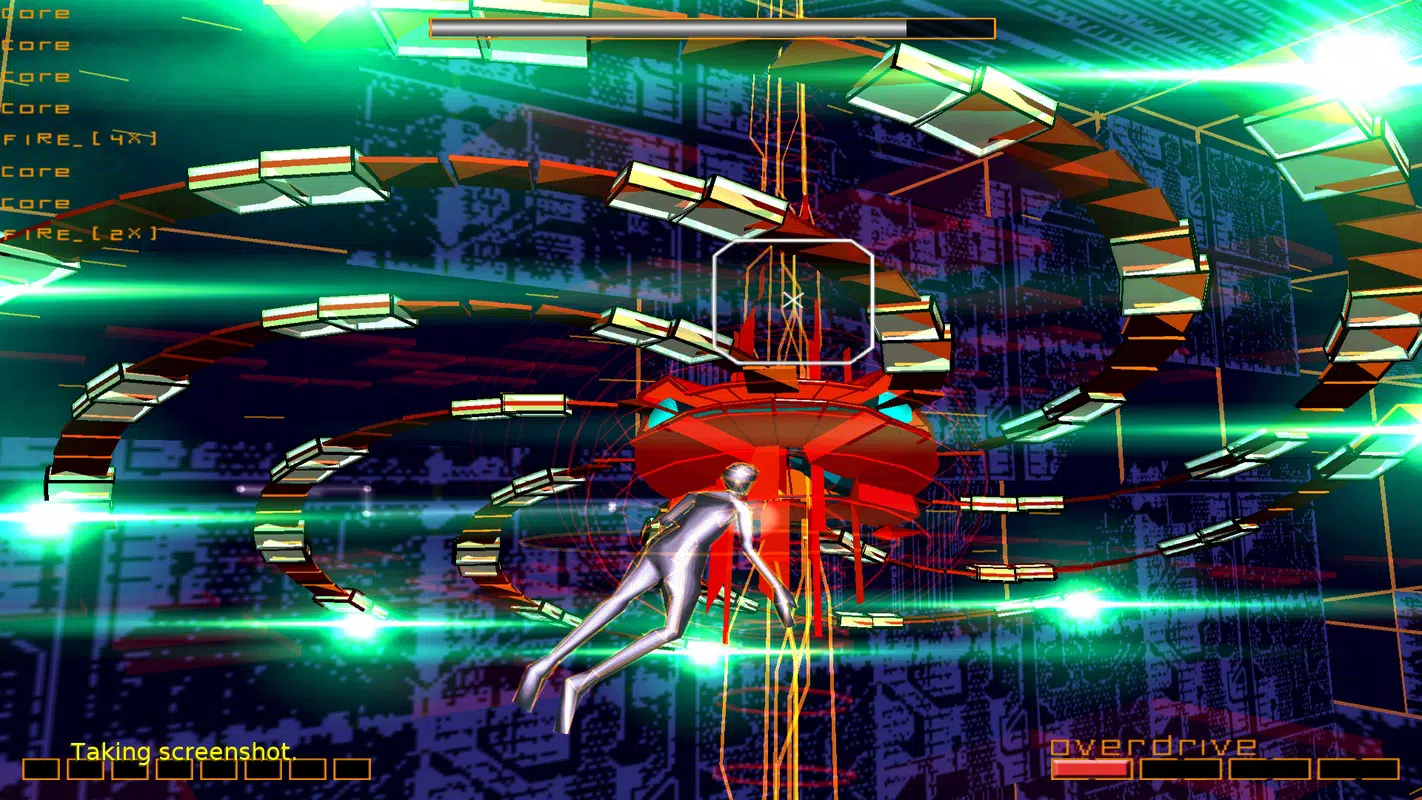
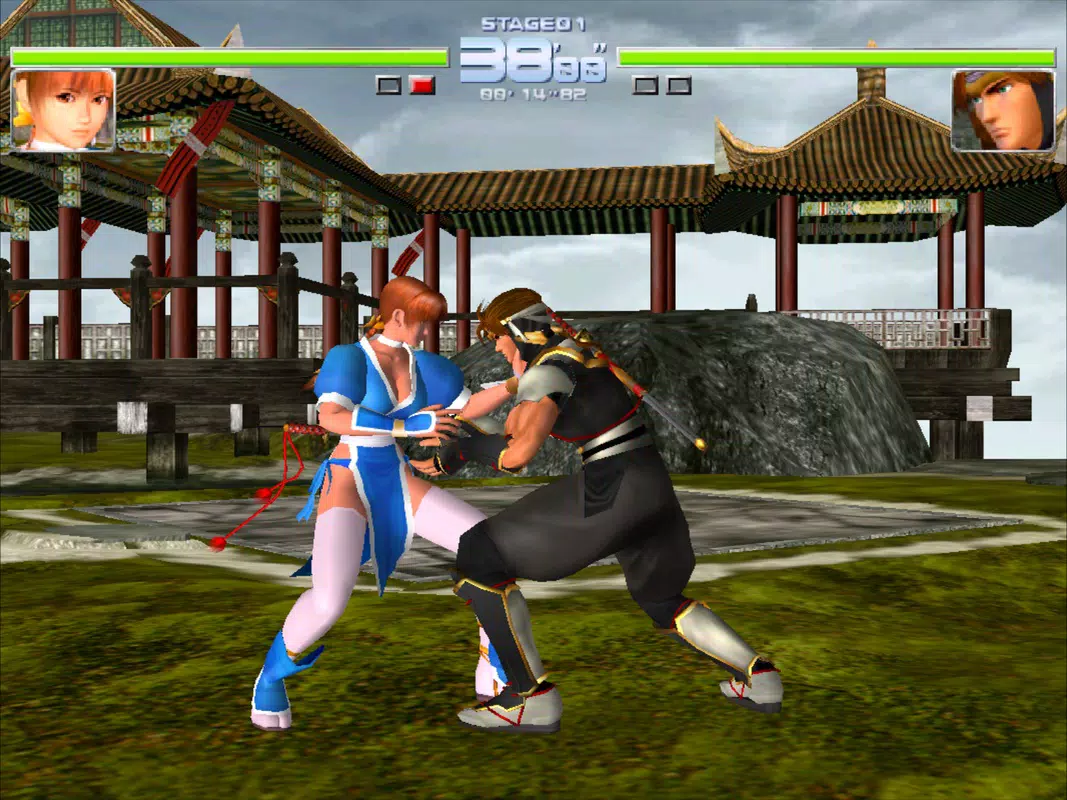
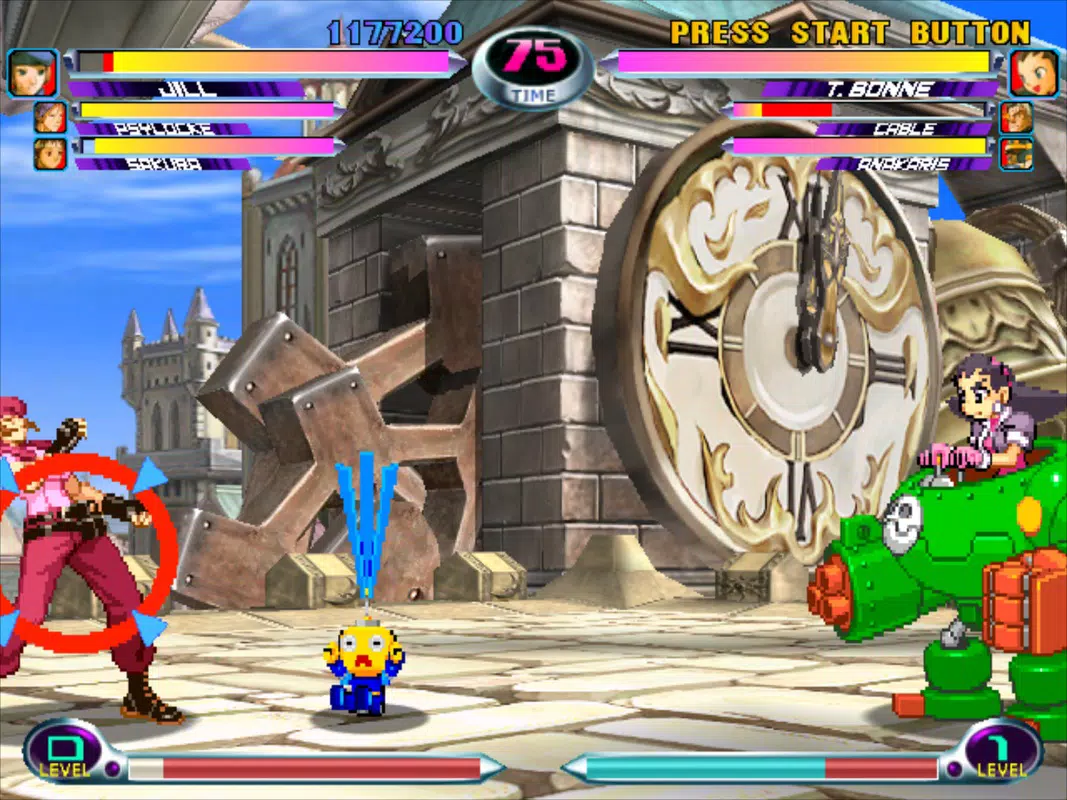
RetroArch is a powerful, multi-system emulator designed to deliver a unified experience for fans of classic video games across a wide spectrum of platforms. Unlike many emulators that focus on a single console or limited set of systems, RetroArch stands out by supporting an extensive library of gaming hardware, from early handhelds to 16-bit home consoles and even arcade machines. Its primary purpose is to enable users to play thousands of retro titles from systems such as the Nintendo Entertainment System, Super Nintendo, Sega Genesis, Game Boy series, PlayStation 1, Neo Geo Pocket Color, Virtual Boy, WonderSwan Color, PC Engine, and more—all within a single, cohesive application.
The app is ideal for retro gaming enthusiasts, collectors, and casual players seeking a streamlined way to revisit beloved titles from past generations. It serves as a central hub for classic gaming, eliminating the need to install and manage multiple emulators. RetroArch also supports the emulation of iconic games like Doom 1, Doom 2, Ultimate Doom, and Final Doom, making it a go-to choice for fans of first-person shooters from the 1990s. While the developer did not provide additional technical details about the app’s origin or development team beyond the name "libretro," the app’s design and functionality reflect a strong commitment to open-source principles and cross-platform compatibility.
Real-world use cases include mobile gaming on the go, desktop emulation via Android devices, and setting up retro gaming setups in personal entertainment centers. Its presence in the mobile app ecosystem is significant, offering a rare blend of breadth, performance, and flexibility that few alternatives can match.
Key Features & Functionality
- Multi-System Emulation: RetroArch supports a vast array of consoles and handhelds, including PlayStation 1, Super Nintendo, Nintendo Entertainment System, GameBoy, GameBoy Color, GameBoy Advance, Arcade, Neo Geo Pocket Color, Virtual Boy, Sega Genesis/Mega Drive, Sega Master System/Sega Game Gear, Sega CD/Mega CD, PC Engine/PC Engine CD, and WonderSwan Color/Crystal. This allows users to access thousands of retro titles from different eras and regions through one interface.
- Doom Series Emulation: The app includes native support for classic Doom titles such as Doom 1, Doom 2, Ultimate Doom, and Final Doom. This feature is particularly valuable for fans of retro FPS games and those seeking authentic gameplay experiences with modern enhancements.
- Libretto Folder Organization: Emulators are grouped into Libretto folders, which simplifies navigation and management. Users can easily switch between different console emulators and organize their game libraries based on system type, improving usability and workflow.
- Highly Customizable Interface: RetroArch allows users to modify themes, layouts, controls, and visual filters. This level of personalization ensures that users can tailor the interface to match their preferences, whether they prioritize speed, authenticity, or visual enhancement.
- Unparalleled Compatibility: The app’s architecture is built to support a broad range of game formats and hardware specifications. This ensures that users can run a wide variety of games without needing separate emulators, reducing complexity and storage overhead.
For example, a user can load a Game Boy Advance ROM and instantly switch to a Sega Genesis game without restarting the app. The customization options also allow players to remap controls for better comfort on mobile devices, enhancing the overall gaming experience.
Interface, UX & Performance
RetroArch features a clean, modular interface that emphasizes functionality and user control. The layout is divided into intuitive sections, including a game library browser, system selection menu, and configuration panel. Navigation is primarily based on touch and on-screen controls, with support for external controllers. The visual style is minimalistic, focusing on game content rather than distractions, which enhances immersion during gameplay.
Although the developer did not list formal performance metrics, the app is known for its stability and responsiveness across various Android devices. Users can expect smooth performance on mid-to-high-end smartphones and tablets, with minimal lag or frame drops when using optimized cores. The app handles loading times efficiently, particularly when games are properly configured with correct BIOS files and settings.
On lower-end devices, performance may vary depending on the game and core used. However, the app includes built-in tools for adjusting frame rate, resolution scaling, and audio buffering, which can help maintain smooth gameplay. The interface remains responsive even during intensive emulation tasks, and crashes are rare when used with compatible ROMs and configurations.
Platform Compatibility & Technical Requirements
RetroArch is available exclusively on the Android platform. The current version is 1.12.0, with a file size of 22.8 MB, making it a lightweight download for mobile users. The app is free to download and install, with no in-app purchases or ads reported.
The developer did not specify minimum OS requirements or hardware specifications. However, given its size and functionality, it is likely optimized for Android 5.0 and above. Users should ensure their device has sufficient storage space to accommodate ROM files, which are not included with the app. Compatibility with specific devices may vary based on processing power, RAM, and GPU capabilities.
Pros and Cons
- Supports a vast library of retro consoles and handheld systems
- Offers native emulation of iconic games like Doom and Final Doom
- Highly customizable interface for personalized gameplay
- Organized Libretto folders simplify emulator and game management
- Free to download and use with no in-app ads
- Does not include ROMs—users must obtain them separately
- Setup requires technical knowledge for optimal performance
- Performance may vary on older or low-end devices
- Interface may feel overwhelming for absolute beginners
- No official support channels or in-app help system documented
FAQ
Is RetroArch safe to download and install?
Yes, RetroArch is a legitimate, open-source emulator developed by the libretro team. It is free from malware and adware. However, users should only download ROMs from trusted sources to avoid security risks.
Can I play Doom games on RetroArch?
Yes, RetroArch supports the emulation of Doom 1, Doom 2, Ultimate Doom, and Final Doom. These games can be loaded using compatible cores and ROM files.
Do I need to pay to use RetroArch?
No, RetroArch is completely free to download, install, and use. There are no hidden fees or in-app purchases.
What kind of ROMs are compatible with RetroArch?
RetroArch supports a wide range of ROM formats depending on the core used. Common formats include .nes, .sfc, .gb, .gbc, .gba, .iso, .bin, .chd, and .zip. Users must ensure their ROMs are legally obtained.
Is RetroArch available on iOS?
Based on current information, RetroArch is only available on Android. The developer did not disclose iOS availability or release plans.
Final Thoughts
RetroArch is a standout mobile app in the retro gaming space, offering unmatched versatility and depth for enthusiasts who value choice, customization, and performance. Its ability to emulate dozens of classic systems—from handhelds to arcade machines—makes it a powerful tool for reliving gaming history. While the setup process may require some technical familiarity, the long-term benefits of a unified, customizable gaming environment are significant. Whether you're a nostalgic player, a collector, or a tech-savvy gamer, RetroArch delivers a premium experience without cost.
Download Retro Arch now


